Run your Windows software on your Mac
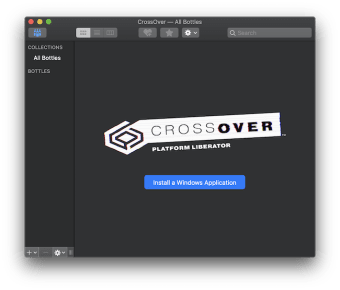
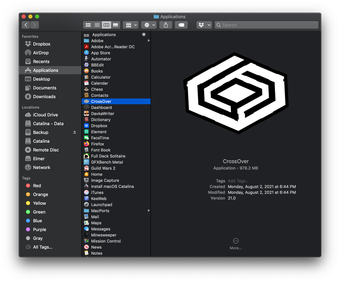
CrossOver is a premium utilities and tools app that allows you to run Windows software on your Mac computer without installing a copy of Windows. It is a commercial software product developed by CodeWeavers that uses Wine to enable Windows applications to run natively on Mac OS X.
Top Recommended Alternative

With CrossOver, you can run a wide range of Windows applications on your Mac, including popular productivity software such as Microsoft Office, graphics and design software such as Adobe Photoshop, and many Windows games. It creates a compatibility layer between the Windows software and the Mac operating system.
Windows to Mac
Under the hood, CrossOver uses a technology called Wine, which stands for Wine Is Not an Emulator. Wine is an open-source compatibility layer that can run Windows software on other operating systems, including macOS, Linux, and BSD. When you install this platform, it creates a virtual Windows environment within your Mac's file system. This environment includes a number of Windows libraries and resources that Windows software needs to run.
This software also provides a user interface that makes it easy to install and manage Windows software within this environment. When you launch a Windows application within this tool, the software runs within this virtual Windows environment but with access to Mac's hardware and file system. This allows the Windows software to run natively on your Mac without needing a separate copy of Windows.
One of the key advantages of this tool over other virtualization solutions is that it typically requires fewer system resources, as it doesn't need to run a separate instance of the Windows operating system. This can result in better performance and lower system requirements. However, this program does not offer as many customization options as other virtualization solutions, which can limit its flexibility for some users.
A great app
Overall, the experience of using CrossOver can be positive for many users who want to run Windows software on their Mac without installing a separate copy of Windows. However, as with any software, the experience can vary depending on your specific needs and requirements. The community is active and helpful, and you may be able to find answers to your questions on forums or in other online resources.